CRM for contractors
Simple CRM for contractors (without the complexity)
Generic CRMs are built for inside sales reps clicking through accounts on a laptop. Contractors work at addresses, in trucks, with a phone in one hand. Here's how a map-first CRM compares to Salesforce, HubSpot, and the rest.
Why a map-first CRM works for contractors
- Set up in an afternoon, not a quarter — No Salesforce admin required. Drop your first pin, add a lead, set a stage. Your whole crew is up and running the same day.
- Map-first, not list-first — Your leads and jobs are at addresses. The map shows them where they are, not in a table organized by last modified date.
- Built for the field, not the cubicle — Full-screen map on mobile. One-tap status updates. Photo attachments in seconds. No multi-tab dashboards or keyboard shortcuts.
- Flat pricing for the whole crew — One subscription covers everyone. Not per seat. Give your foreman, office admin, and estimator access without a per-person bill.
Frequently asked questions
What is a CRM for contractors?
A CRM for contractors is a tool for tracking leads, customers, and jobs — organized around the locations where the work happens. Unlike generic CRMs built for inside sales, a contractor CRM is designed for people who work at addresses, travel between job sites, and need to update status from a phone in the field rather than a desktop in the office.
Is HeavyCivilHelper a replacement for Salesforce or HubSpot?
For most contractors, yes. Salesforce and HubSpot are built for SaaS and inside-sales pipelines. They handle accounts, contacts, and deal stages well — but they have no concept of a physical territory, no map view, and no construction-specific fields like RFIs, plan sheets, or crew assignments. HeavyCivilHelper replaces those tools for contractors who work in the field.
How is a contractor CRM different from a regular CRM?
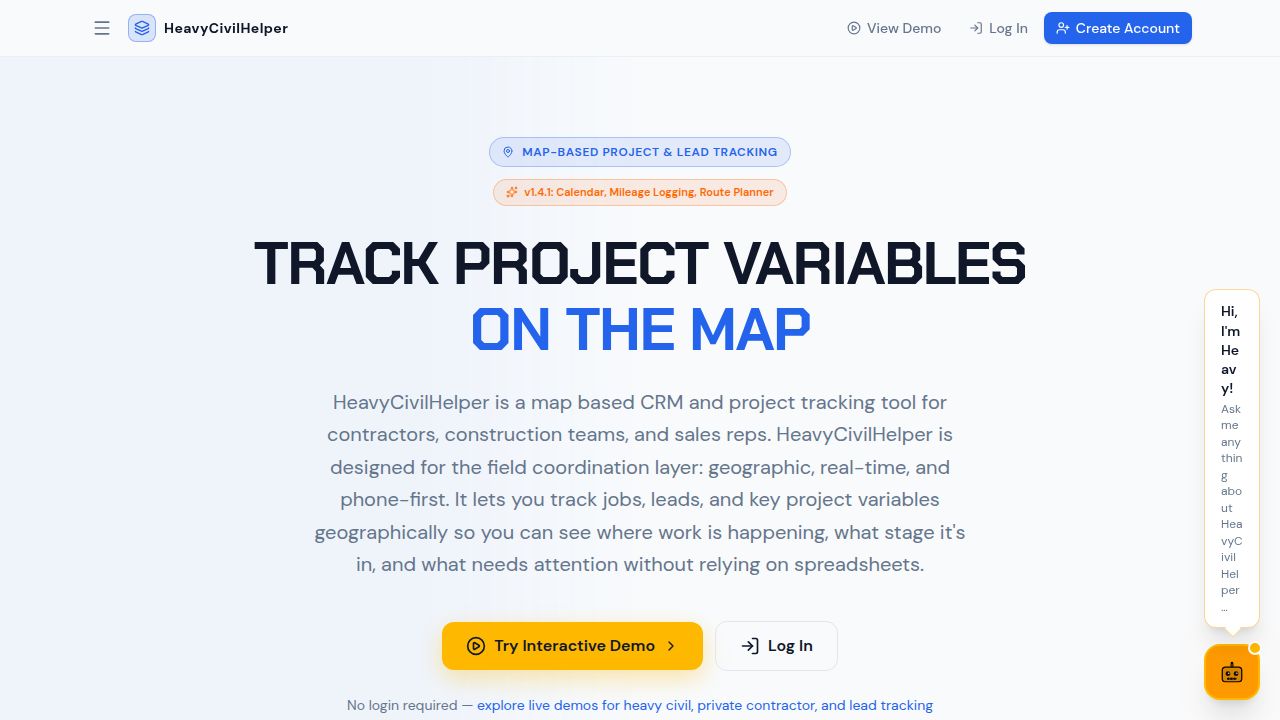
The primary difference is geography. A regular CRM organizes work by company name and deal stage. A contractor CRM organizes work by address and location. When your leads, estimates, and jobs all have physical addresses, the map is a more useful home screen than a 30-column list. HeavyCivilHelper is built around that distinction.
Can my field crew use this from their phones?
Yes. HeavyCivilHelper is designed for phones first. A foreman can open the map, see today's jobs, update status, add a note, and attach a photo — all without going back to the office or opening a laptop. The interface is full-screen map on mobile with no hidden tabs or complex menus.
Does it handle both lead tracking and job tracking in one place?
Yes. When a lead converts to a sold job, the pin stays in the same location and the type changes from lead to job. All the notes, photos, and customer info from the sales process carry over to the job — no re-entry, no separate system. You track the whole lifecycle from first contact to final invoice in one map.