For home improvement sales reps
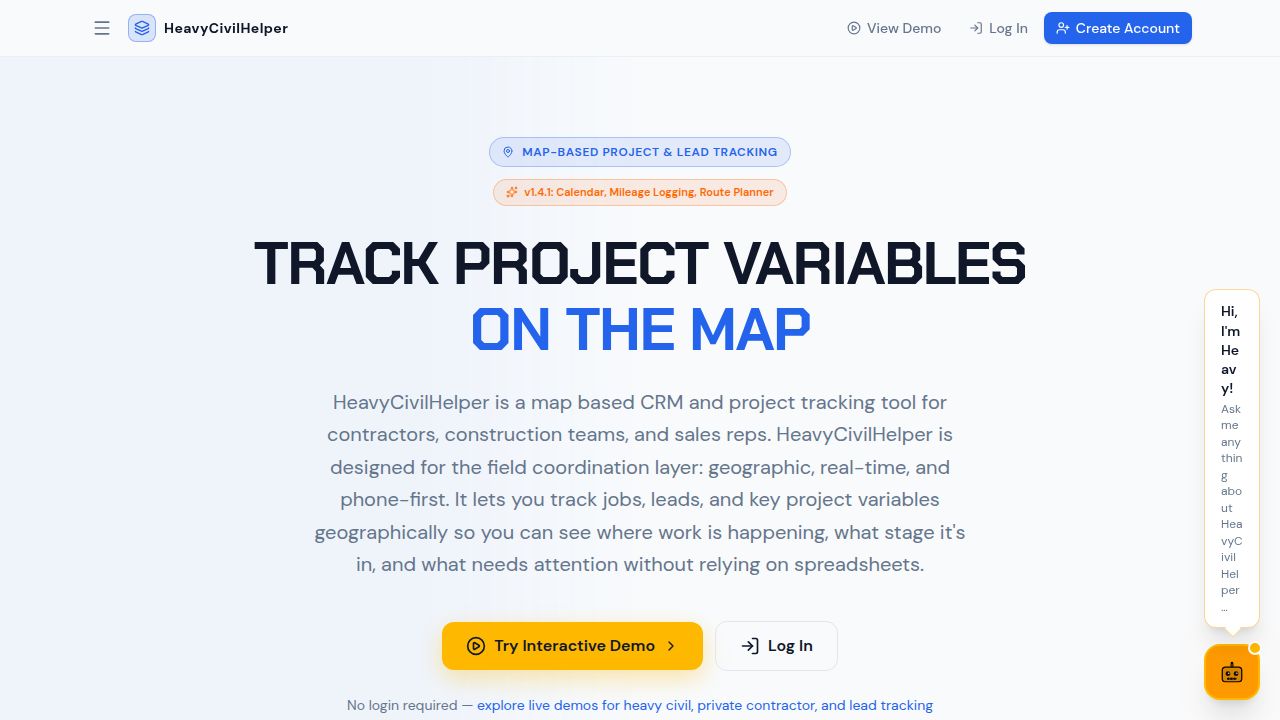
Map-based lead tracking for home improvement sales and canvassing teams.
Roofing, solar, gutters, windows, landscaping — when you sell at the door, your pipeline belongs on a map. Track every knocked door, open estimate, and follow-up from your phone without a spreadsheet in sight.
What map-based tracking gives your team
- Pin every lead to its address — Drop a pin the moment a lead comes in. The address, contact, deal value, and stage are attached to the location — not buried in a list.
- Stage tracking that matches your pipeline — Knocked, interested, estimate sent, follow-up due, sold, installed. Color-coded pins show the whole territory at a glance.
- Territory management by rep — Each rep owns their slice of the map. Supervisors can see across all reps. No overlapping, no double-knocking the same door.
- Mileage logging built in — Log each route after you drive it. Automatic mileage calculation from your stops gives you a clean tax record without a separate app.
- Follow-ups that don't fall off — Set a follow-up date on any lead. Overdue leads turn red on the map and show in your dashboard so nothing sits forgotten.
Frequently asked questions
Does HeavyCivilHelper work for canvassing teams going door to door?
Yes. D2D canvassing teams use HeavyCivilHelper to track which doors have been knocked, what response they got, and when to revisit. Pins on the map replace the clipboard. Color-coded stages show you at a glance which houses are cold, warm, or sold — block by block.
Can multiple reps work the same territory without overlapping?
Each rep is assigned to their own leads and the map can be filtered by rep. Supervisors see the full territory; reps see their own slice. This keeps two reps from knocking the same door and wasting commission opportunities.
How do I track which doors have been knocked?
Drop a pin for every door. Set the stage to 'Knocked — not home,' 'Knocked — not interested,' or 'Interested — follow up.' Those pins stay on the map so you never re-approach a hard no, and you can easily spot the doors you haven't gotten to yet.
Can I log mileage for tax purposes?
Yes. After you complete a route, log the trip in HeavyCivilHelper and the mileage is calculated automatically from your stops. The mileage log gives you a dated record of every trip — what you need for IRS mileage deductions or 1099 contractor reimbursements.
Does it work for roofing and solar sales specifically?
Roofing and solar are two of the best fits for map-based lead tracking. Storm-damaged neighborhoods create dense lead clusters that are easy to visualize on a map. Solar reps need to track roof orientation, HOA restrictions, and utility zones by address — all of which make more sense on a map than in a spreadsheet column.