What you get
Every opportunity at its job site
Add the prospective job location, contact details, value, and follow-up date. The opportunity stays connected to the place you need to inspect and price.
See nearby estimate visits
Review the geography of your open opportunities before planning site visits. Keep the current stage visible without implying a separate territory-management system.
Faster follow-up
Keep the next follow-up date and proposal status with the opportunity. Review nearby sites when arranging another visit or checking an open scope question.
Nothing falls through the cracks
Keep site observations, contact notes, and permitted photos or documents together so you can review the context before the next conversation.
Why not spreadsheets, sticky notes, or memory?
- A row in a spreadsheet doesn't tell you the lead is two blocks from your next appointment.
- Sort-by-status hides everything else. The map keeps the whole pipeline in view.
- Sticky notes and DMs aren't searchable when you need that one address an hour from now.
- A bid spreadsheet is still useful for calculations; the map adds the location context for visits and follow-ups.
Route Planning + Mileage Tracking
Plan visits to prospective job sites and keep route-based mileage records alongside your opportunities. Available tools include route planning, AI-assisted routing, and mileage logging for the visits you make to prospective and active construction sites.
- Plan optimized multi-stop routes straight from your lead map
- Ask the built-in AI to suggest the most efficient path through your territory
- Add any address as a stop: project offices, yards, wherever you need to be
- Log miles at the end of a trip with one tap, with auto-calculated round-trip distance
- Keep mileage records for reimbursement or tax time without a separate app
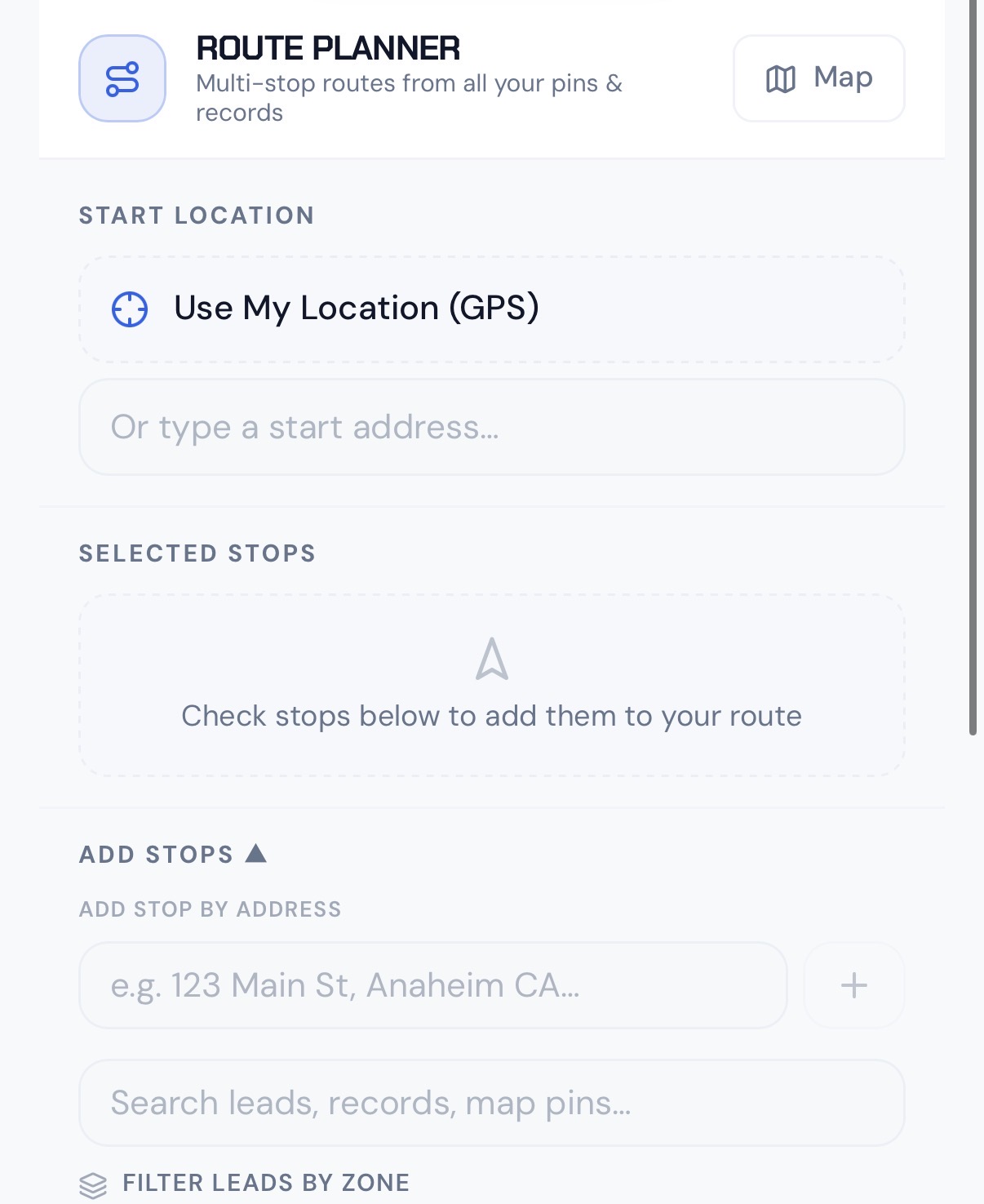
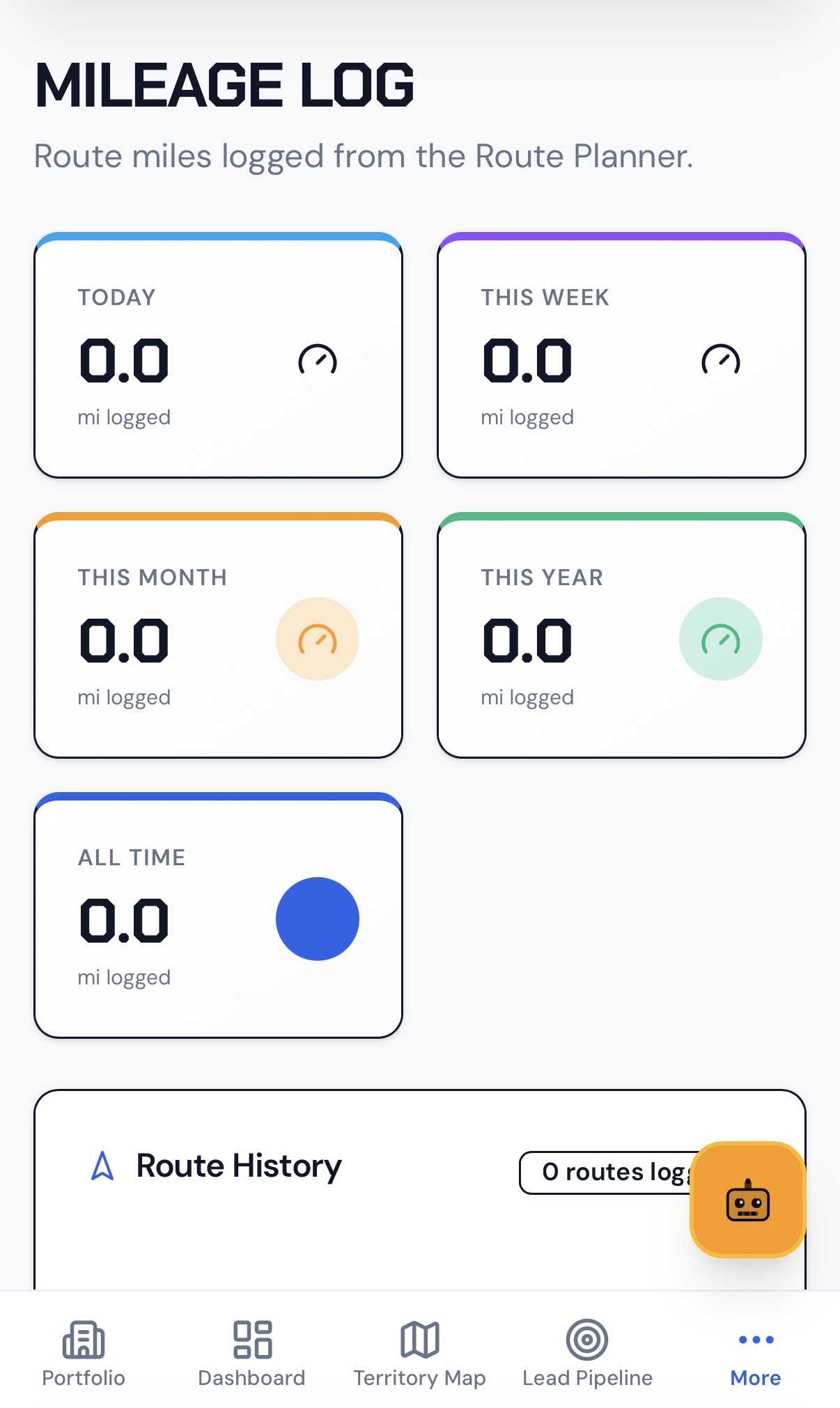
For estimators, trade contractors, and construction service teams, site visits are part of deciding what to price next. Review the opportunity locations before arranging your stops, then keep observations with the sites you visited.
Routing and advanced tools depend on your plan. Planned-route distance is not continuous GPS tracking, actual driven mileage, or a guarantee of reimbursement or tax compliance.
Who uses location-based bids and estimates
Construction opportunities have real locations. These teams can use the same map-based workflow before the work is awarded:
Civil construction estimators
Keep prospective project sites, pre-bid observations, access conditions, and the next follow-up visible together.
Building and trade contractors
Map estimate visits for roofing, electrical, concrete, and other trade work. Keep scope notes with the property while pricing in your existing tools.
Residential improvement contractors
Track the sites you have visited, proposals awaiting a response, and follow-ups for windows, siding, gutters, or renovation work.
Independent trades and subcontractors
Keep prospective sites and active work in view while coordinating your next estimate visit or customer conversation.
Construction support businesses
Environmental services, rental suppliers, and delivery teams can connect quote opportunities to the job sites they would serve.
Keep the bid context with the site
A prospective job is more than a value in a spreadsheet. Its access conditions, observed scope, contact notes, and next follow-up all help you decide what to do next.
- Add each opportunity at its prospective job location
- Update the current opportunity stage as the proposal progresses
- Keep the contact notes and next follow-up date with the site
- Add site observations and permitted supporting attachments
- Review nearby opportunities before arranging estimate visits
Keep pricing, proposal preparation, and contract approval in your established tools. HCH organizes the location-based context; it does not automatically generate bids or synchronize your CRM.
From opportunity to estimate visit and follow-up
A practical pre-award construction workflow:
- 1
Map the opportunity
Add the prospective job location, contact notes, current stage, and next follow-up date.
- 2
Review the site context
Check existing notes and nearby opportunities before arranging the estimate visit.
- 3
Build a route
Use the routing tools available on your plan to review planned stops and driving estimates.
- 4
Update from the field
Record site observations, update the opportunity, and keep permitted photos or documents with the location.
- 5
Prepare the proposal and follow up
Calculate the bid in your estimating tools, then update the proposal stage and next follow-up in HCH.
See it in action
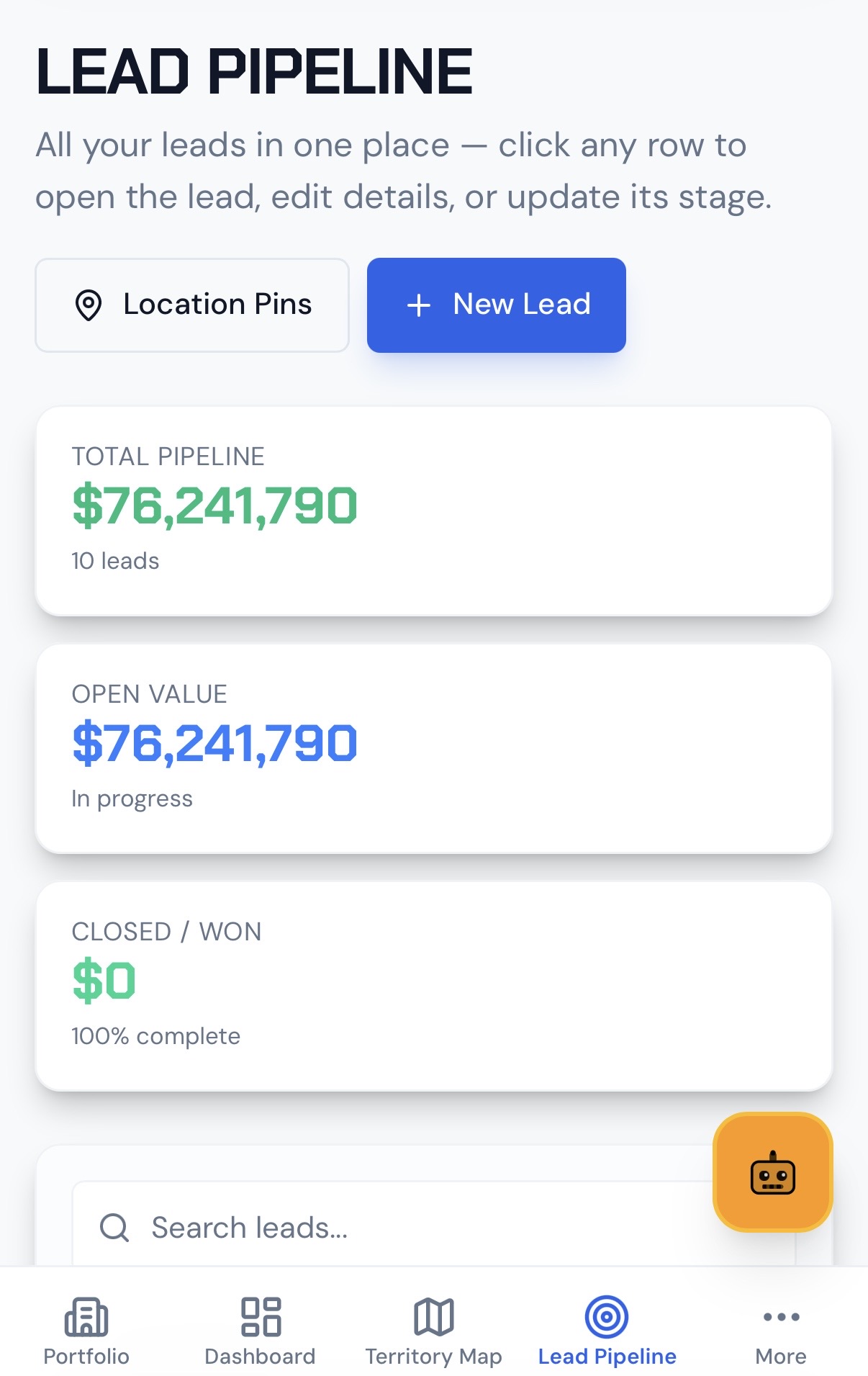
A full walkthrough of the updated lead tracking workflow: map-based pipeline, territory routing, route planning, and mileage logging.
Original walkthrough
Pinning a lead, setting a follow-up, and converting a closed lead into an active job on the map.
Common questions about construction opportunity tracking
- How do I track construction bids and estimates on a map?
- Add an opportunity at the prospective job location, record its contact details and value, and update its stage and follow-up date. Keep site observations and permitted attachments with the location while you prepare the estimate in your existing tools.
- What is the difference between a lead pin and a job pin?
- A lead pin represents a prospect, someone you are trying to win. A job pin represents active work you have sold and are now executing. In HeavyCivilHelper, leads convert to jobs when you close a deal. The pin stays in the same location; only the type and status change, so there is no re-entry of address or customer data.
- Does this replace estimating or takeoff software?
- No. HCH tracks the opportunity, location, status, and supporting information. It does not perform automatic takeoff, calculate bid totals, generate quotes, or replace your cost database.
- Can I plan visits to several prospective job sites?
- Use the map to review nearby opportunities and available routing tools to plan stops. Routing and advanced tools depend on your plan. Mileage based on a planned route is not continuous GPS tracking or a guarantee of tax compliance.
- How do I bring an existing bid list into the map?
- Start by adding the locations, contact information, and current stages of the opportunities you want to track. This page does not promise automatic spreadsheet or CRM import. Keep your existing estimate calculations in their original tools.
- What is map-based lead tracking and why does it work better than a spreadsheet?
- Map-based opportunity tracking shows prospective construction work at its real location. You can review nearby estimate visits, current bid stages, and follow-up dates together. A spreadsheet remains useful for calculations; the map provides the site context that a row alone does not.
See it on a real map
The interactive demo loads sample data so you can click through it in under a minute.
Related
For Construction Estimators
Connect bid opportunities and estimate visits with supporting site and field evidence.
Contractor Opportunity & Job Tracking
Where location-based tracking fits alongside your existing business tools.
Map vs Spreadsheet
Why location-heavy work belongs on a map, not in rows.
Live Bids & Estimates Demo
Explore a sample opportunity map and pipeline. No login required.