Heavy helps project engineers and field engineers find context in their authorized project: ask about mapped locations, records, open issues and supporting information in HeavyCivilHelper Web or Field.
Heavy is a read-only assistant for the information your team has saved in HeavyCivilHelper. In an authorized project, ask a construction question in ordinary language instead of starting with a record number. Heavy can use available project records, map items and their saved context to help identify what is open and where it applies. Answers depend on the data entered and the access you have; review the original record or supporting file before acting.
AI Assistant
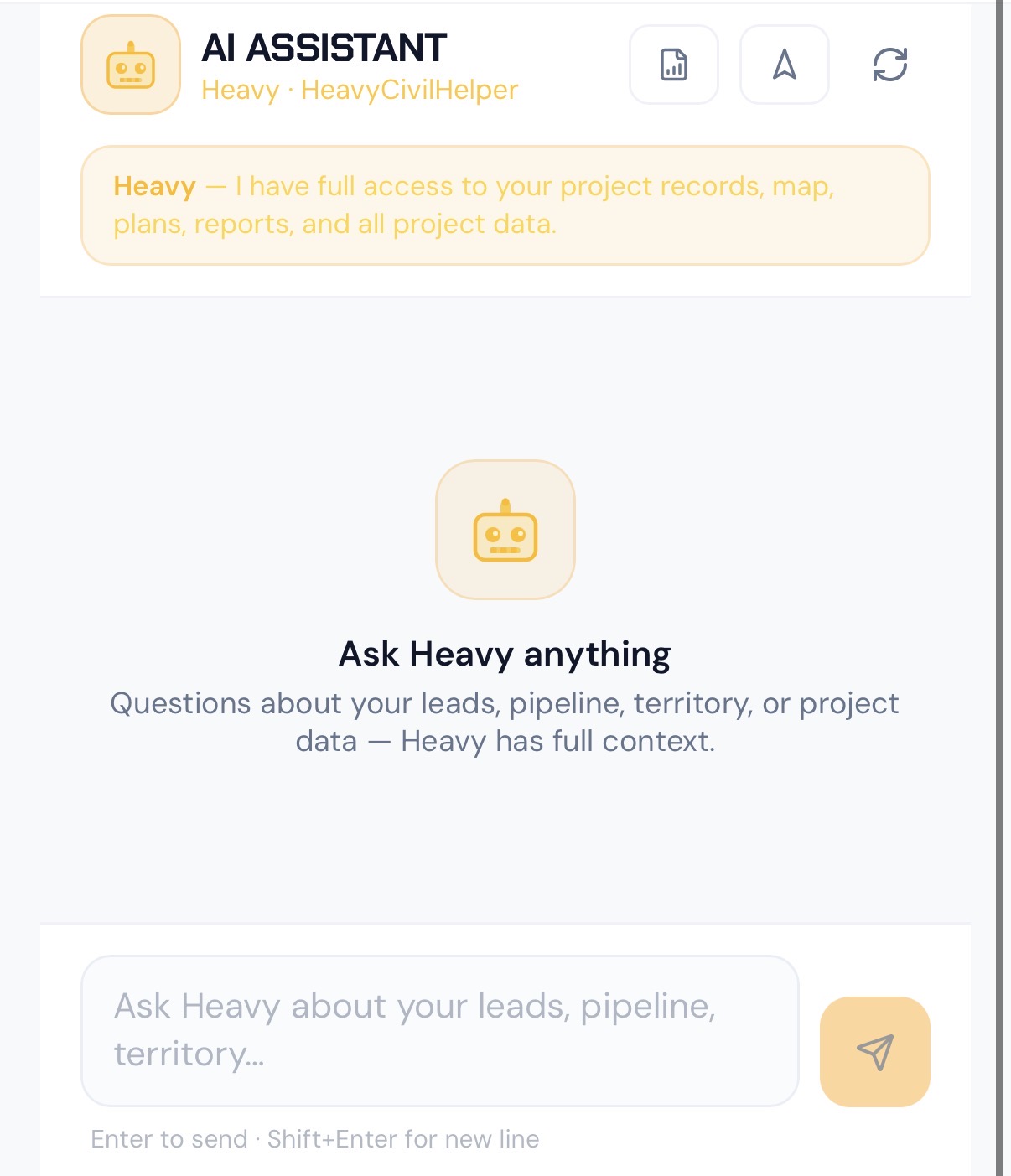
Ask Heavy anything about your project
In an authorized project, Heavy is your read-only assistant. Ask about saved records, map locations, custom pins, what's open, what's overdue, what's costing you money or what happened at a specific location, and get a plain English answer based on available project data.
Work Zone Awareness
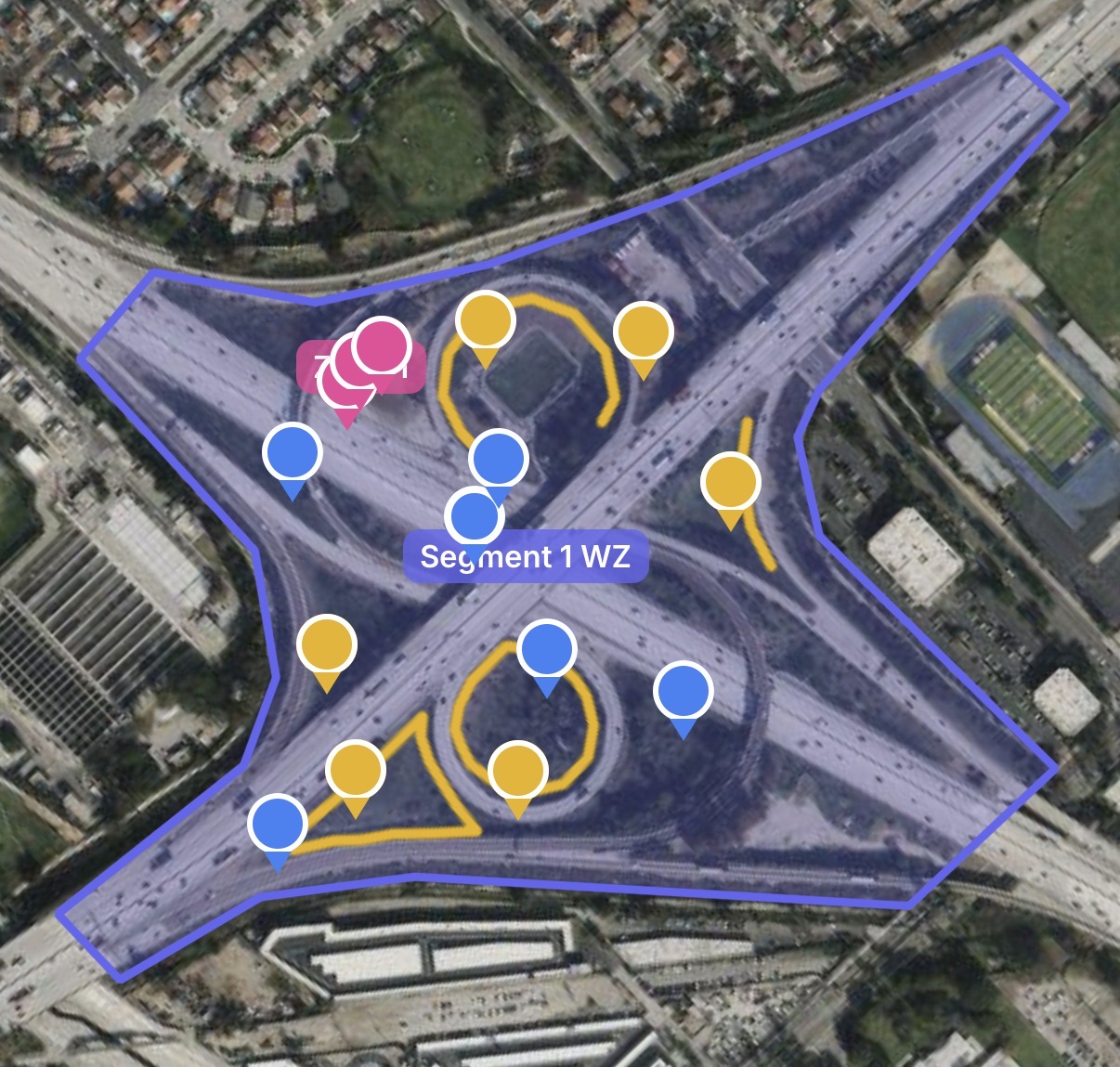
Save a Work Zone boundary and Heavy computes what is inside. Draw the boundary around a segment, name it "Segment 1" and ask "How many inspection pins are inside Segment 1?" Heavy uses complete saved boundaries and identifies supporting items. Boundary points are included; archived items, missing coordinates, explicit assignments and nearby items are distinguished. Plans are metadata only — Heavy does not read every PDF or interpret photos.
AI Risk Reports
Generate a focused project report that brings together relevant records and context for review. Review the result and its supporting sources before sharing or making a project decision.
The saved "Segment 1 WZ (Work Zone)" boundary gives Heavy computed membership for located project items, not proximity guesses.
Ask across projects or focus on one location
Heavy can help you start with a portfolio-wide question or investigate a specific project question in the map workspace.
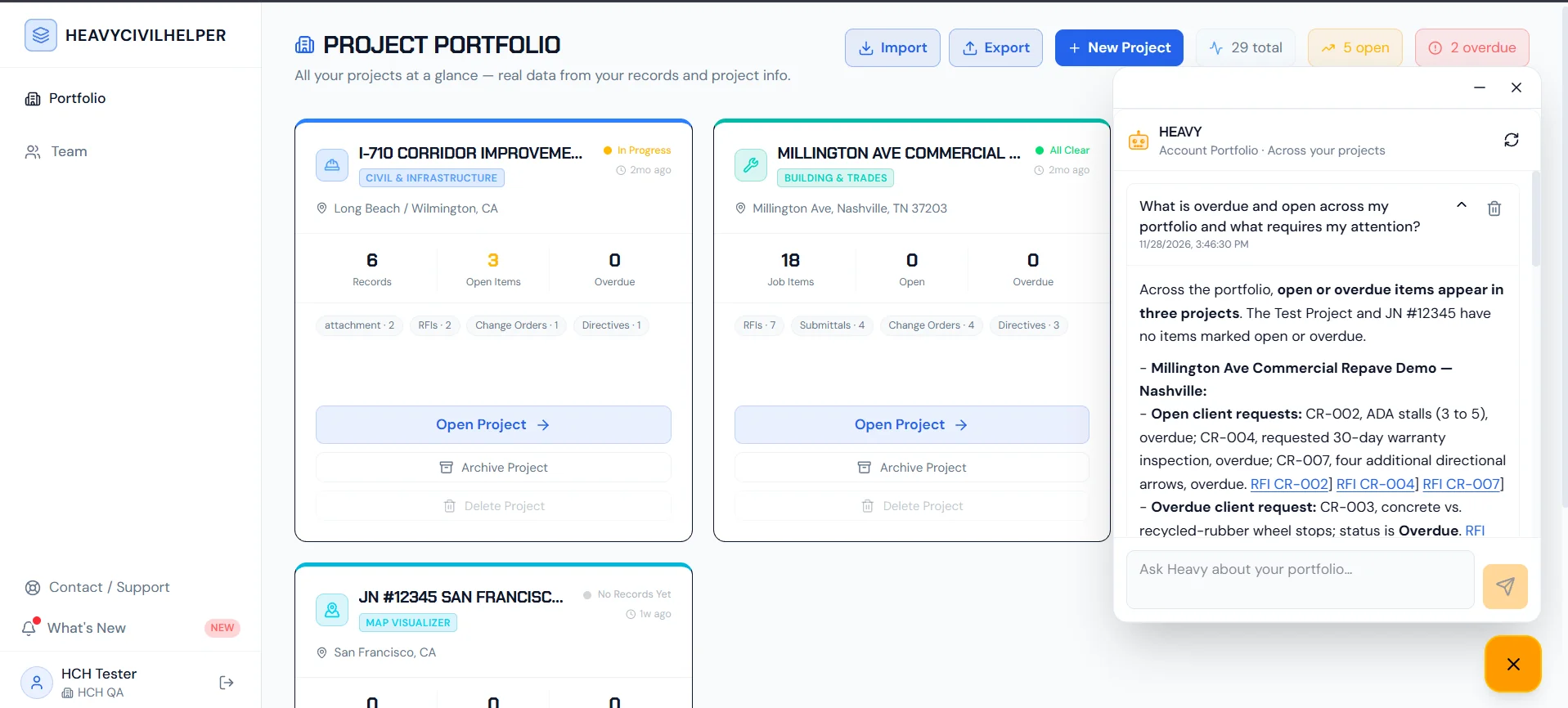
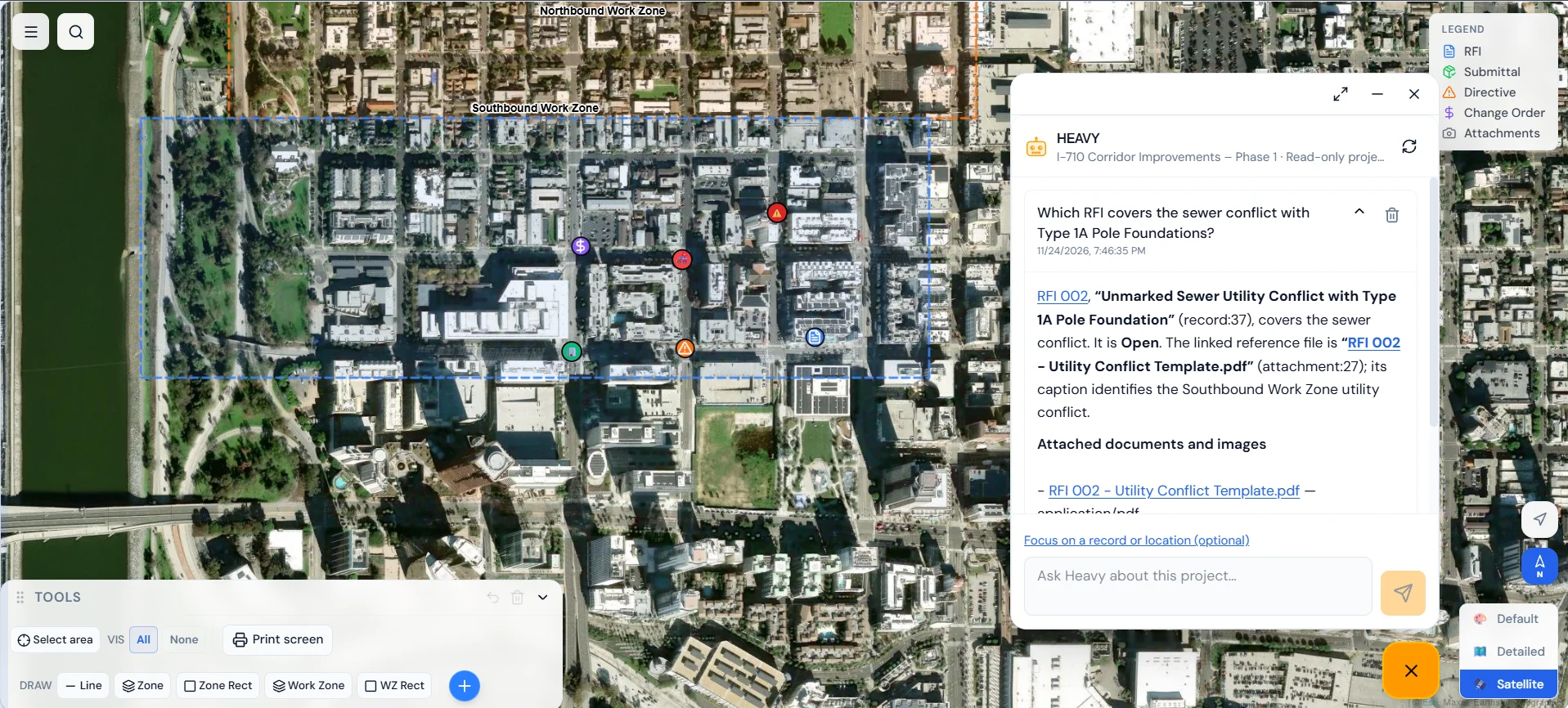
Portfolio: Ask about open and overdue work across projects your account can access.Web project map: Ask about a specific issue and open available linked records or supporting documents.
Heavy on Web and Field
Use the same project context at a desk or out on the job. Your role may overlap with both examples; choose the workspace that fits where you are working.
Web: project engineering at the desk
A project engineer can ask about open RFIs, directives or issues at a location, review the referenced project information, and use focused reports to organize a closer look at risk or outstanding work.
A field engineer can ask about a project or location from the Field app while checking conditions, then open available references for the team's next conversation. Field access and features depend on account permissions and app version.
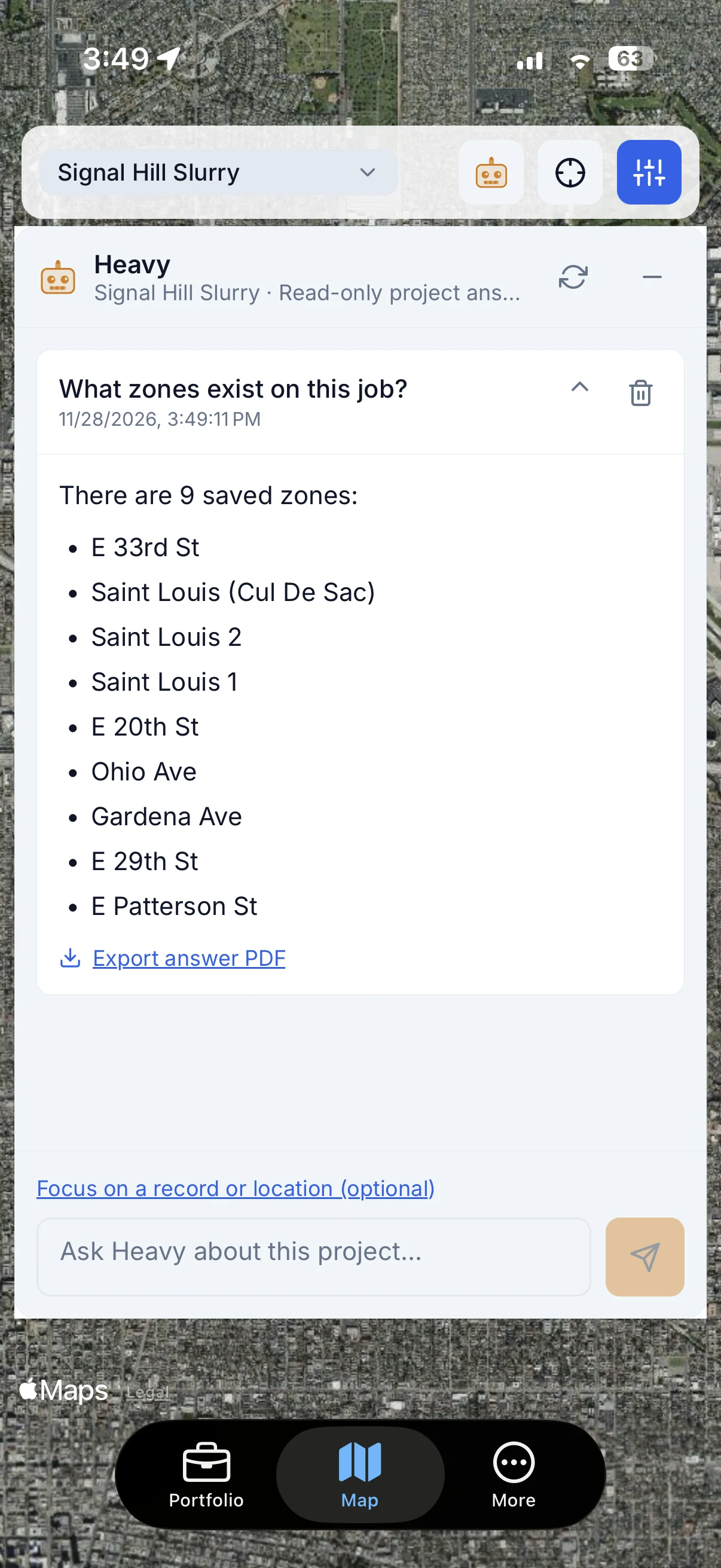
A superintendent on site can ask Heavy which zones are saved on the job, then use that shared project context to find the places the team is discussing. Ask a follow-up about an area or item when you need more detail.
Field example: asking Heavy which zones exist on the job.
Signed-in Heavy questions and reports require an eligible paid plan and are subject to the account's AI allowance. Public Heavy answers product questions separately and does not access private project data. See current plans.
See project mapping for field and office
See how HeavyCivilHelper brings project locations and field information onto a map—the context that helps teams organize their work.
Use Heavy as a starting point, not a substitute for review
Heavy works with the information available to the authorized account. It does not replace the project's formal direction, approved documents, engineering judgment or safety procedures. Review answers and open the source records and attachments where available; plan metadata does not mean Heavy has interpreted every plan or photo.