Choose your timestamp camera
Capture on your own with HCH Lens, or within your broader project with HCH Field.
HCH Lens
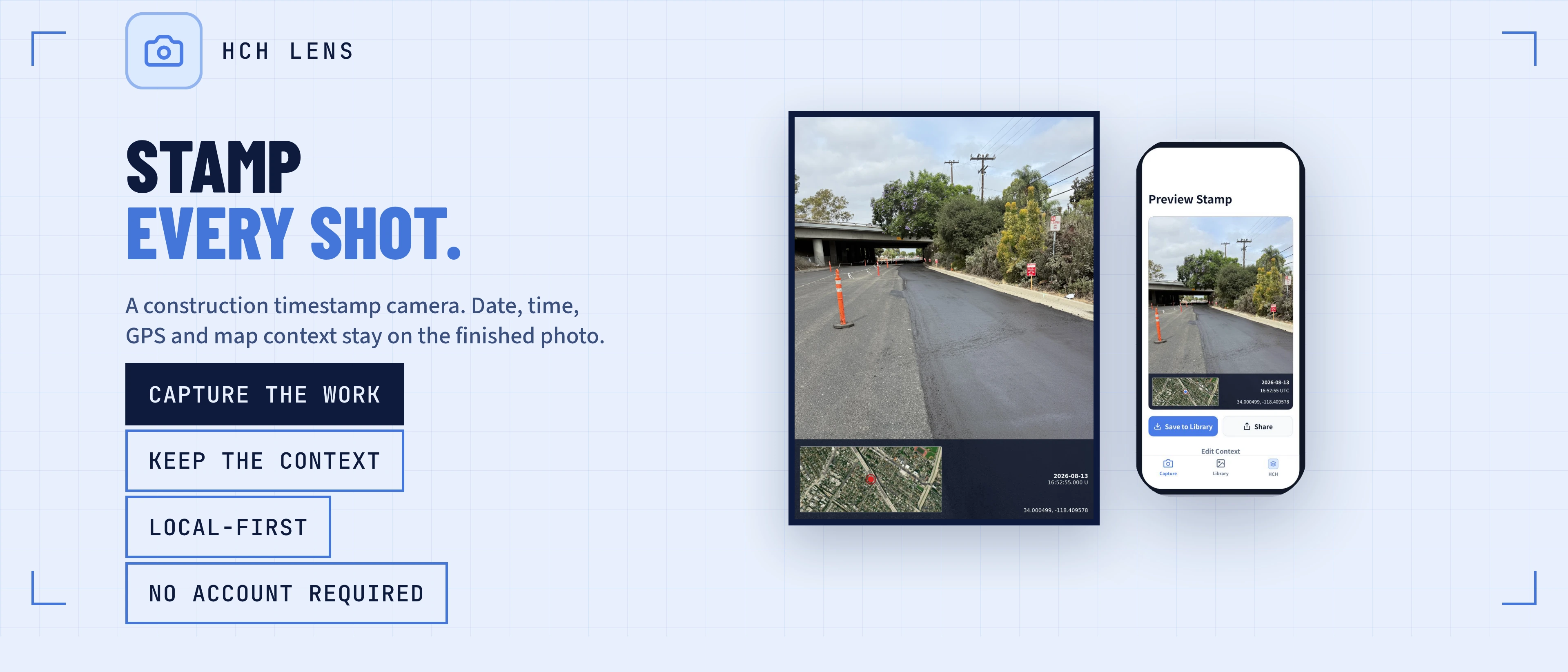
Free standalone camera. No HCH account required.
What you get
Blueprint and satellite map context
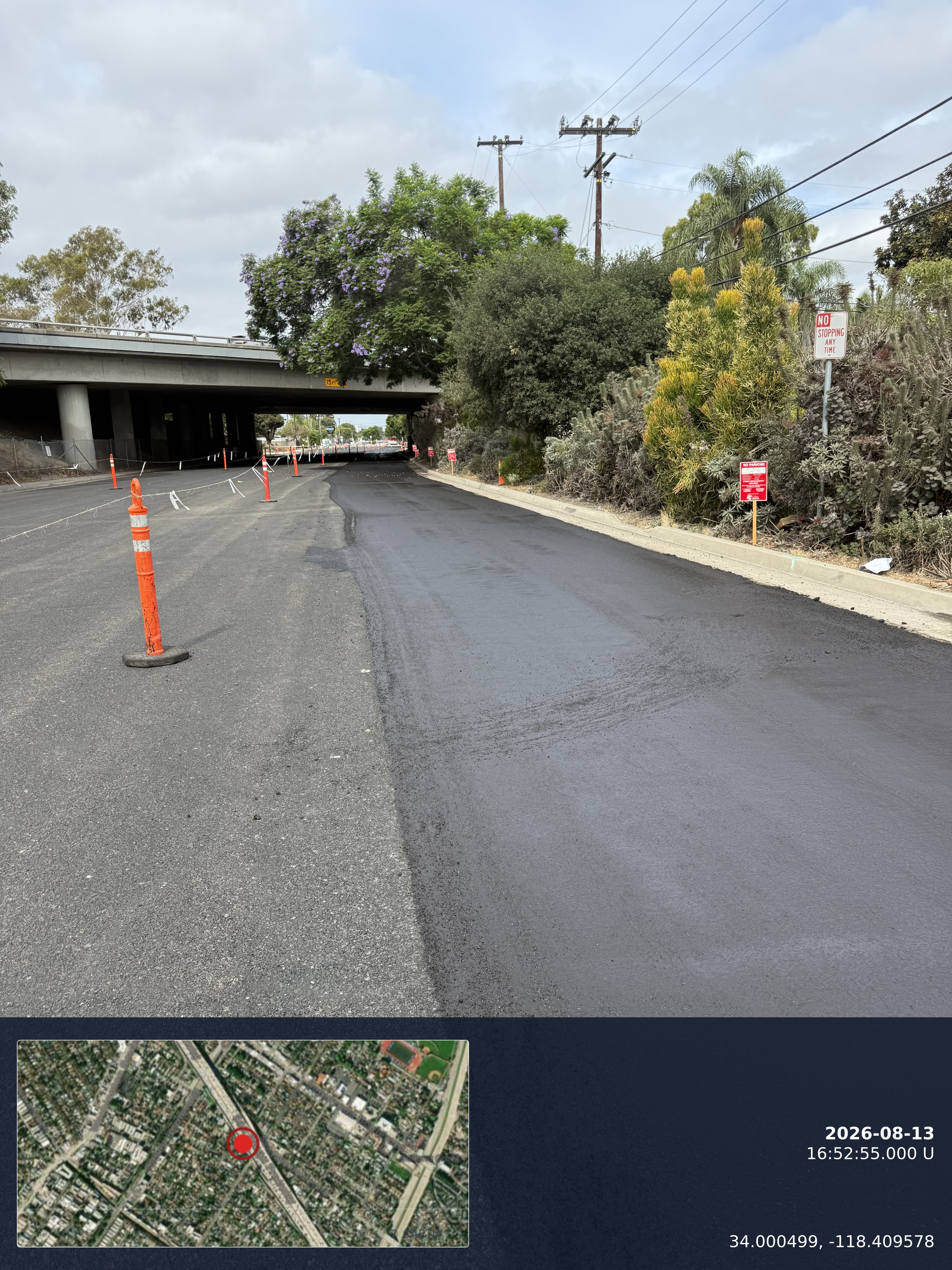
Generic camera apps may show latitude and longitude. HeavyCivilHelper can include a mini-map showing the photo location on the project's satellite view, map, or uploaded blueprint. The image is easier for the office, owner, or inspector to understand without a separate lookup.
Protect Time & Materials and Extra Work
When performing corrective or out-of-scope work, capture stamped photos before, during, and after the work. Pair them with the relevant T&M or extra-work record to document conditions, progress, equipment, and the work area.
Streamline SWPPP and BMP inspections
Environmental regulators require precise documentation. Stamped photos of Best Management Practices (BMPs) prove exactly when and where an inspection occurred, streamlining compliance reporting and reducing liability.
Give RFIs and directives clearer field context
Attach stamped photos directly to Requests for Information (RFIs) or field directives. When the design team can see exactly where the differing site condition is located on the plan sheet, they can respond faster and with more accuracy.
Use the best available capture details
HeavyCivilHelper can use available photo metadata, device location, or details entered by the user. Review the location, capture time, and map context before creating the stamped image so the final record reflects the field information you intend to preserve.
Standardized job documentation
Ensure every inspector, superintendent, and field engineer captures evidence the exact same way. Consistent, professional documentation across the entire project makes closeout and claims defense significantly easier.
Why not spreadsheets, sticky notes, or memory?
- Photos saved in generic folders lose their context the moment the person who took them leaves the project.
- EXIF data (hidden metadata) is stripped out when photos are emailed, texted, or inserted into PDFs.
- A regular photo of a trench or a pipe looks like every other trench or pipe — without a map overlay, the location is a guess.
- Disputes over when a site condition was discovered often come down to one person's word against another's.
- Compiling photos into a daily report manually takes hours each week; stamped photos attached to pins automate the process.
How different roles use the Timestamp Camera
A single feature provides value across the entire project management hierarchy.
Field Engineers
Documenting exact quantities placed, pipe installed, or excavations completed at the end of a shift to verify daily production against the schedule.
Superintendents
Capturing before-and-after photos of utility conflicts or differing site conditions to send immediately to the PM for RFI generation.
Inspectors
Creating a dated and located photo record of rebar spacing, formwork, or subgrade compaction before the work is covered.
SWPPP Practitioners
Logging the condition of silt fences, wattles, and drain inlets after a rain event to prove compliance to regional water quality control boards.
Project Managers
Using stamped photos with the related records to build a clear chronology for change requests, owner updates, and schedule discussions.
Common questions about the Timestamp Camera
- What is a timestamp camera in construction?
- A timestamp camera places important capture details directly onto a field photograph. HeavyCivilHelper's Timestamp Camera adds the capture date, time, location, project name, and map or blueprint context to the image so the photo keeps its field context when it is shared or exported.
- Why do I need a timestamp camera instead of my standard phone camera?
- Standard photos rely on hidden EXIF metadata, filenames, folders, and the photographer's memory. Some sharing and document workflows strip that metadata. A visible stamp keeps the selected date, time, location, and map or plan context attached to the image itself.
- What kind of context does the camera overlay?
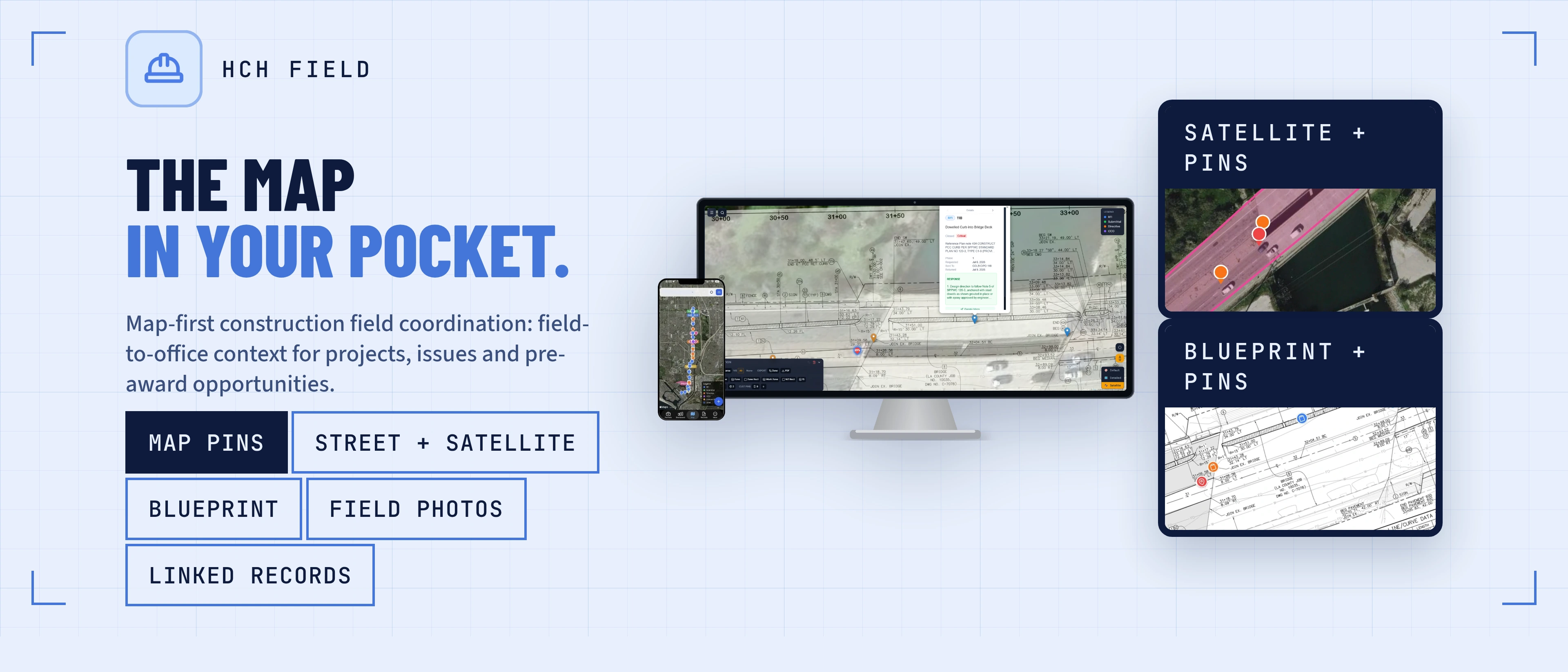
- Unlike generic timestamp apps, HeavyCivilHelper overlays your exact position on the project's satellite map or uploaded blueprints. This means the stamped photo shows not just coordinates, but a visual mini-map of where you were standing relative to the project limits or plan sheets.
- Can I use stamped photos for Time and Materials (T&M) or Extra Work?
- Yes. Field engineers and superintendents can capture before, during, and after photos of directed or out-of-scope work, then associate those images with the relevant record. The stamped context strengthens the supporting documentation for a T&M ticket or extra-work request.
- Is the HeavyCivilHelper Timestamp Camera available on both iOS and Android?
- Yes. The Timestamp Camera is built into HeavyCivilHelper Field, available for iOS from the App Store and Android from Google Play. HCH Lens is a separate, standalone camera app, now available for Android on Google Play. Its iOS download is coming soon.
See it on a real map
The interactive demo loads sample data so you can click through it in under a minute.
Related
Free HCH Lens Timestamp Camera
Use the standalone construction timestamp camera without an account, then connect it to HeavyCivilHelper when your workflow grows.
HeavyCivilHelper Field App
See the phone-first Field app that includes Timestamp Camera capture and project photo access.
What is a SWPPP?
Learn how to manage Stormwater Pollution Prevention Plans and use stamped photos for BMP compliance.
Time and Materials (T&M)
How to track extra work and add clear photographic support to the project record.
Field Directives
Documenting field instructions and differing site conditions with precision.
Requests for Information (RFIs)
Speed up the design team's response time by providing exact GPS and blueprint context.